Building Your First Playwright Test with TypeScript (Step-by-Step Tutorial)
This tutorial will guide you through installing Playwright with TypeScript and writing your first automated test.
Building Your First Playwright Test with TypeScript (Step-by-Step Tutorial)
This tutorial will guide you through installing Playwright with TypeScript and writing your first automated test. By the end, you will be able to launch a browser, navigate to a website, and verify a page title.
1. Prerequisites
Before starting, make sure you have the following installed: Node.js (v16 or later) npm or yarn VS Code or another code editor
Verify installation
javascript1node -v2npm -vWarningif not installed, please install node first
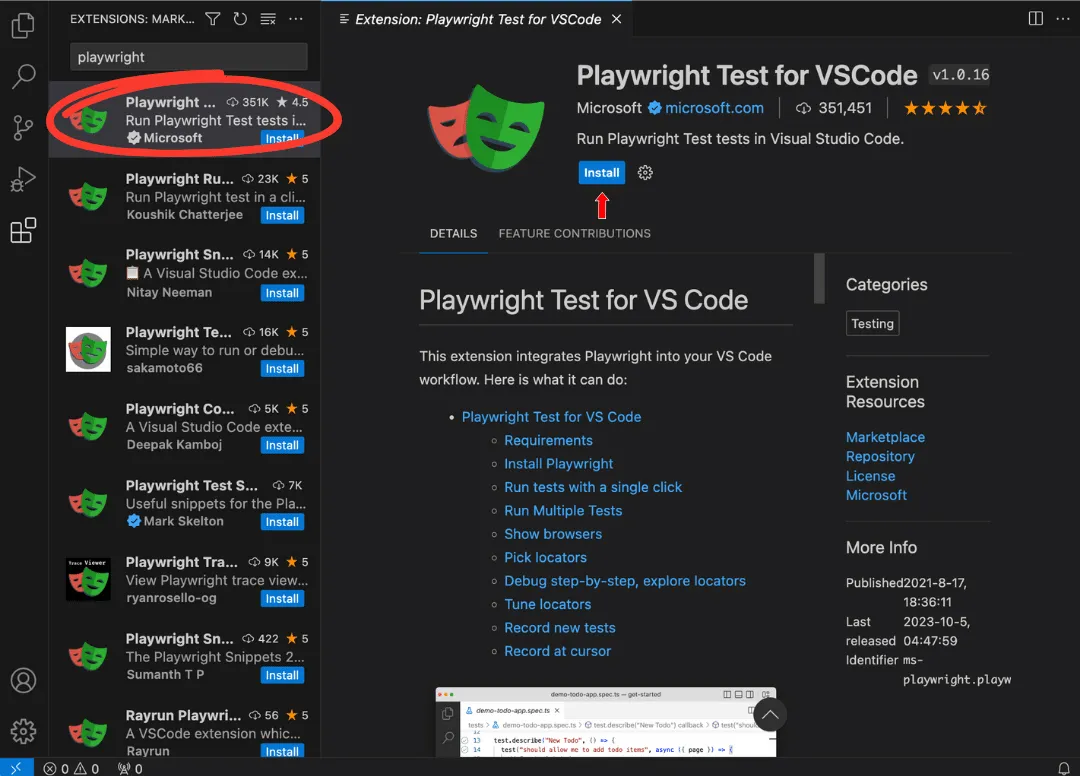
Install node playwright
Since you are working with Playwright automation, you can now install it:
javascript1npm init playwright@latestinstallation query
During installation, Playwright will ask some questions:
javascript1✔ TypeScript or JavaScript? → TypeScript2✔ Where to put your tests? → tests3✔ Install Playwright browsers? → Yes4✔ Add GitHub Actions workflow? → Optional
This will automatically install:
Playwright
TypeScript
Playwright Test Runner
Browser binaries
Project Structure
project look like
After installation, your project will look like this:
javascript1playwright-demo2│3├── tests4│ └── example.spec.ts5│6├── playwright.config.ts7├── package.json8└── node_modules
Steps
create a file
tests/homepage.spec.ts
javascript1import { test, expect } from '@playwright/test';23test('verify homepage title', async ({ page }) => {45 await page.goto('https://example.com');67 const title = await page.title();89 console.log("Page Title:", title);1011 await expect(page).toHaveTitle('Example Domain');1213});
8. View Test Report
Playwright automatically generates an HTML report.
Run:
typescript1npx playwright show-report
This report shows:
Test results
Screenshots
Error logs
Execution time
Steps
Capture Screenshot Example
Example of capturing a screenshot:
javascript1import { test } from '@playwright/test';23test('take screenshot example', async ({ page }) => {45 await page.goto('https://example.com');67 await page.screenshot({8 path: 'homepage.png'9 });1011});
Steps
Example: Verify Login Button
Another example test:
javascript1import { test, expect } from '@playwright/test';23test('verify login button visibility', async ({ page }) => {45 await page.goto('https://example.com');67 const element = page.locator('h1');89 await expect(element).toBeVisible();1011});
About the Author
Demo Author